DxO ViewPoint 6 Is Out: AI Masks for Fixing Wonky Buildings, Without Generative AI
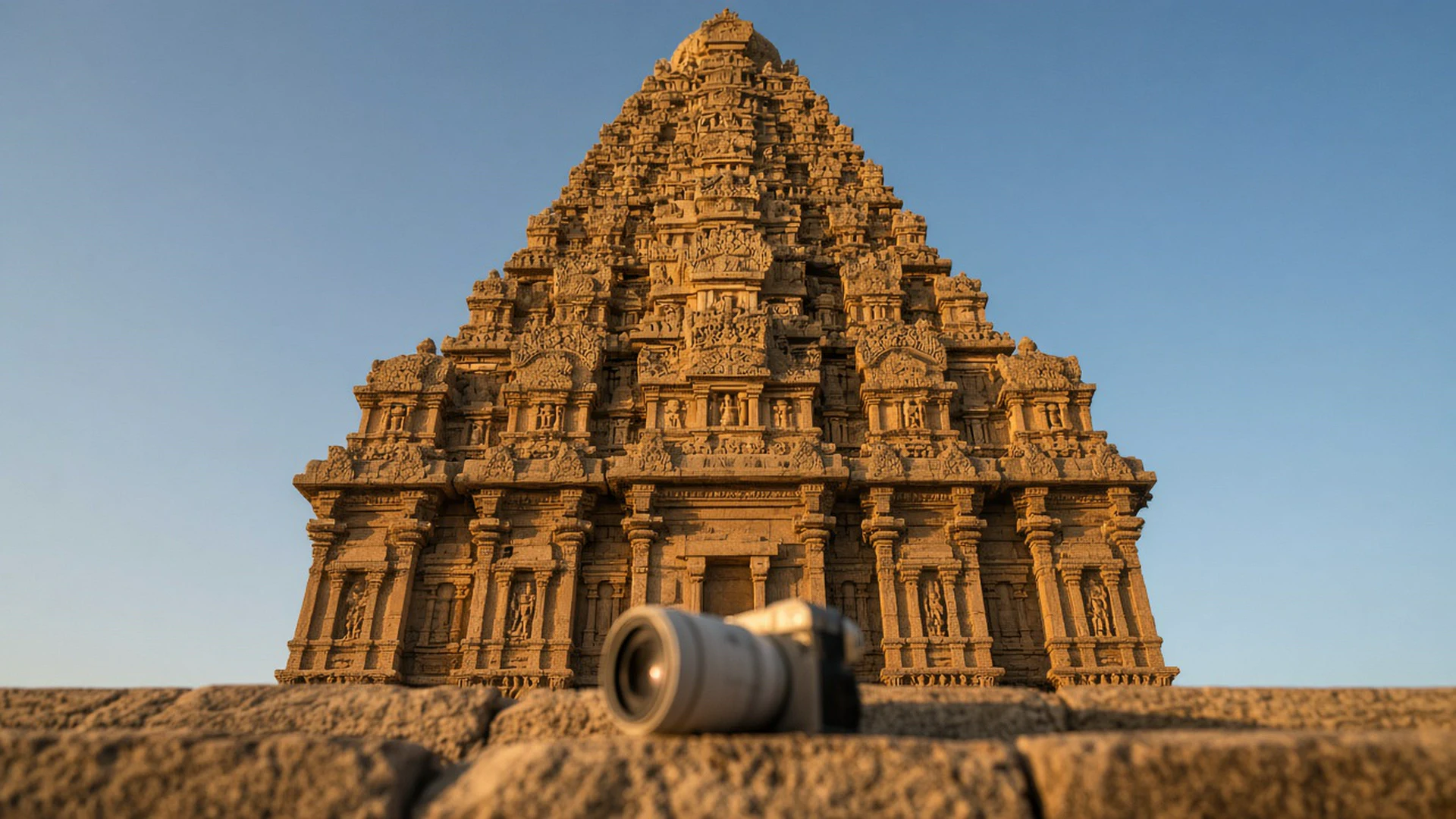
I shoot a lot of buildings, temples and narrow streets, and almost every one of those frames comes home with leaning walls. So when DxO released ViewPoint 6 this week, I paid attention. It is a small, specialist app, but it fixes a problem most of us have and quietly ignore.
PetaPixel reported on Oct 20, 2026 that DxO calls this its “most precise version yet.” Camera Jabber confirmed the same day that it is available from Oct 20 for Windows and macOS. Here is what changed, what it costs, and who should actually try it.
What ViewPoint does in the first place
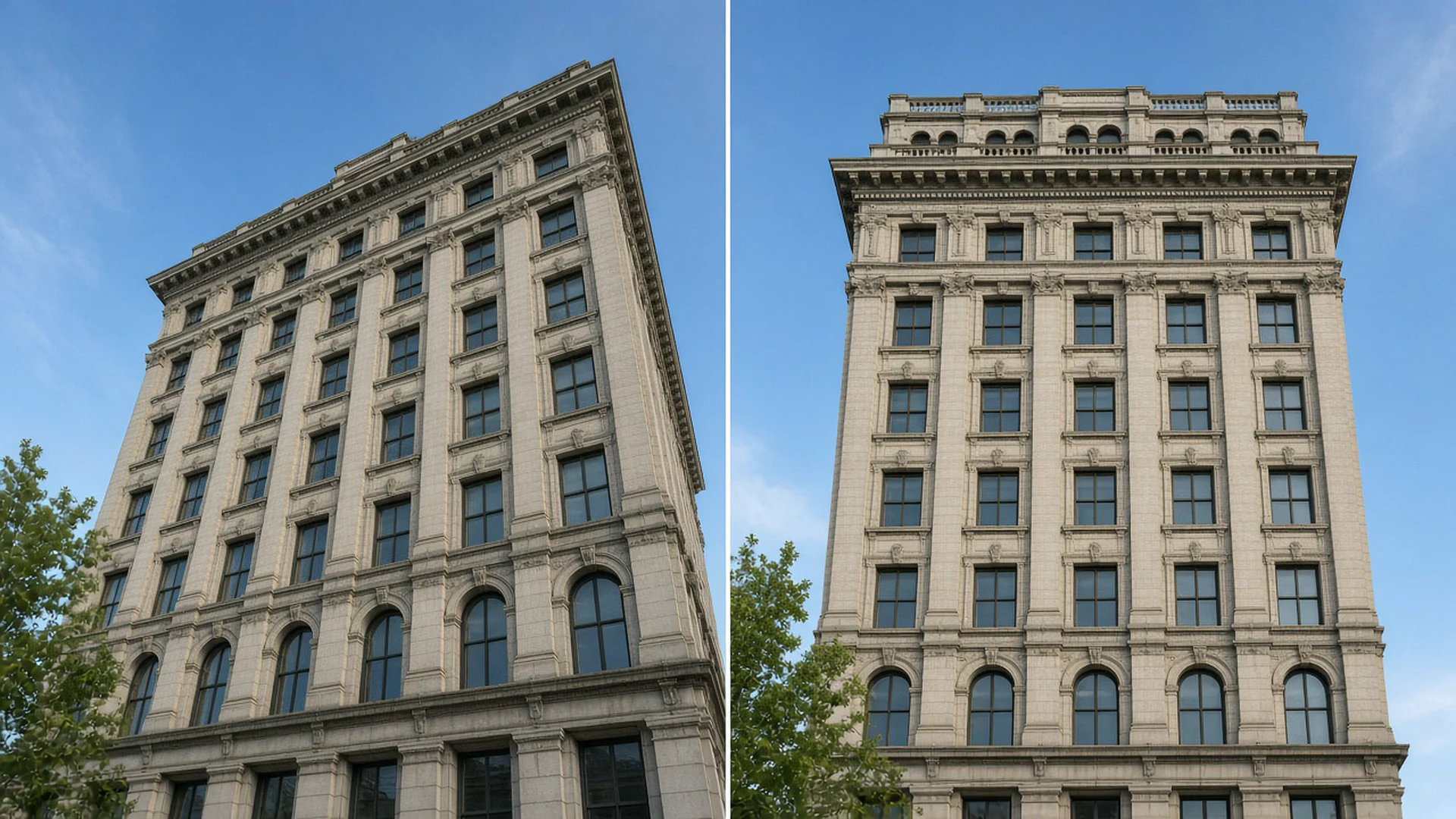
ViewPoint is perspective and geometry correction software. It straightens converging verticals, fixes lens distortion and lets you stretch or squeeze parts of a frame so a wide angle shot looks natural again.
Version 5 added a tool called ReShape Fusion. It let you warp one part of a photo instead of the whole thing. The catch was the grid. As Camera Jabber explains, the old approach applied a uniform correction mesh across the photo, so you pushed whichever control points happened to sit near your subject.
The new part: AI masks that hug your subject
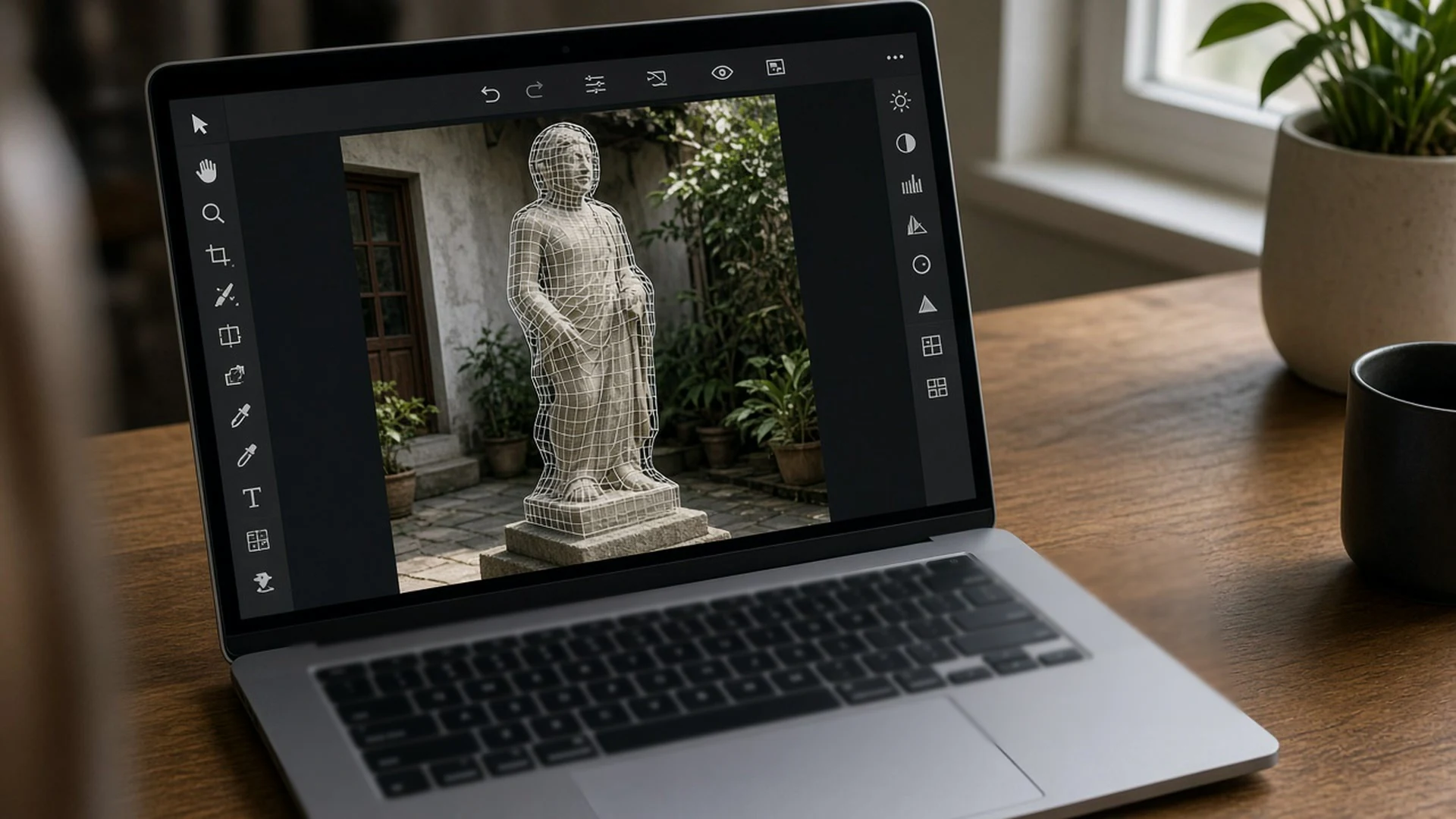
In ViewPoint 6, you choose a grid, click AI, and drag a rectangle around the thing you want to change. The app finds the outline of that object and wraps the mesh to it. The control points now sit on your subject, not somewhere near it.
According to Camera Jabber, the mesh can be more detailed around complex areas and stay simpler where nothing needs fixing. Automatic and manual perspective controls for the whole image are still there too, so if you already know the tool, the old way of working has not gone away.
According to Camera Jabber’s Oct 20 report, you can also subdivide or merge mesh regions, switch individual control points on or off, and decide how far a change spreads into the rest of the picture.
“Not generative AI” matters here
This is the part I liked most. PetaPixel reports that ViewPoint does not create pixels from scratch or generate pixels to fill in the edges. DxO’s own What’s new page makes the same point.
So the AI here only decides where the mesh goes. It does not paint in sky or fake a missing corner of a building. According to Camera Jabber, the app rearranges the image information your camera captured rather than inventing new content.
For anyone who shoots for clients, contests or news, that is a real comfort. You can correct a photo and still say honestly that every pixel came from the camera.
RAW files and a non-destructive workflow
The other upgrade is quieter but useful. According to Camera Jabber, the standalone app now opens RAW files directly, and saves your corrections in sidecar files next to the original. You no longer need to convert first or bounce through another editor before you start the geometry work.
Camera Jabber also lists new exposure and white balance controls. Supported inputs are RAW, TIFF and JPEG, and you can export 8-bit or 16-bit TIFF and JPEG.
If you already live in another editor, ViewPoint 6 still works as a plugin for Adobe Lightroom Classic, Adobe Photoshop and Capture One, and it integrates with DxO PhotoLab 10.
Price, trial and hardware
Here are the numbers, as listed by PetaPixel and on the DxO store:
- New licence: $129.99 (€119.99 / £109.99)
- Upgrade from ViewPoint 5: $84.99 (€74.99 / £69.99)
- Free trial: 30 days
I could not find an official Indian rupee price, so check the DxO store at checkout for your local amount.
One thing to check before you buy. The DxO store lists separate graphics requirements for ReShape Fusion on Windows: an NVIDIA RTX 2000 card with 6GB of VRAM, an AMD Radeon RX 6000 series or Intel Arc card with 8GB, or an Intel Core Ultra chip with its AI Boost NPU. On a Mac, it lists Apple M1 as the minimum for ReShape Fusion. The base minimum on both is 16GB of RAM. If your laptop is older, the trial will tell you quickly whether the AI masks run smoothly.
Should you try it?
My honest take: this is not an app every photographer needs. If you mostly shoot portraits or wildlife with longer lenses, your editor’s built-in lens profile and a quick straighten will do the job.
But if you shoot architecture, interiors, real estate, street scenes with a wide lens, or group photos where people at the edges look stretched, ViewPoint 6 is worth a look. The AI masks target exactly the slow, fiddly part of the old workflow.
Here is what I would do this week. Pick five wide angle shots with your worst leaning walls or stretched edges. Install the 30-day trial, run each through the AI mask workflow, and time yourself against how you fix them today. If it saves you real minutes on each photo and your PC handles it, the $84.99 upgrade or $129.99 licence pays for itself fast. If not, uninstall it and keep your money.
Sources
- PetaPixel, “DxO ViewPoint 6 Fixes Photographers’ Geometry Problems,” Oct 20, 2026: https://petapixel.com/2026/10/20/dxo-viewpoint-6-fixes-photographers-geometry-problems/
- Camera Jabber, “DxO ViewPoint 6 price, features and availability announced,” Oct 20, 2026: https://camerajabber.com/photography-news/dxo-viewpoint-6-price-features-and-availability-announced/
- DxO, “DxO ViewPoint 6: the ReShape Fusion mesh now follows your subject” (launch announcement): https://www.dxo.com/en/news/introducing-viewpoint-6/
- DxO, “DxO ViewPoint 6: What’s new”: https://www.dxo.com/en/dxo-viewpoint/whats-new/
- DxO Store, DxO ViewPoint 6 product page (price and system requirements): https://shop.dxo.com/en/dxo-viewpoint-6.html


Leave a comment