Chrome 155 Now Opens JPEG XL Images: What It Means for Your Photos and Your Site
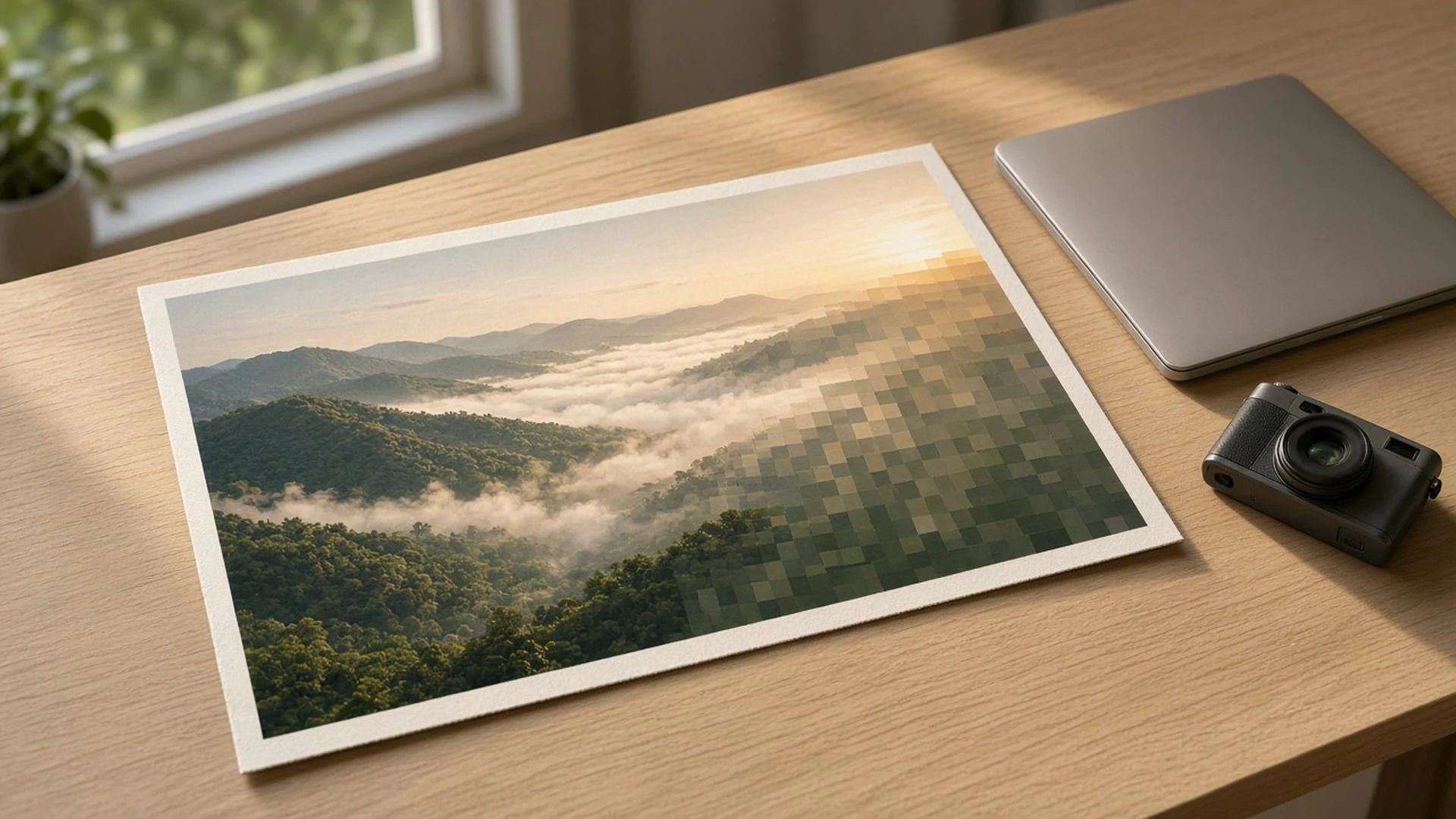
Chrome finally opens JPEG XL images on its own. Chrome 155 reached the Stable channel on 6 October 2026, and Google’s release notes for Chrome 155 list JPEG XL decoding (image/jxl) as a shipped feature. The same day, the Chrome team published a post called Shipping JPEG XL in Chrome explaining why.
I care about this one because so much of what we put on the web is photos. If you run a blog, a portfolio or a small shop, image weight is usually the biggest thing slowing your pages. A new format in the world’s most used browser is worth ten minutes of your time.
What actually changed in Chrome 155
According to the Chrome Releases blog, the Stable channel moved to version 155.0.8059.39/.40 on Windows and Mac and 155.0.8059.39 on Linux on 6 October, rolling out “over the coming days/weeks.” A follow-up update to 155.0.8059.79/.80 (155.0.8059.79 on Linux) followed on 13 October with 37 security fixes, so check you’re on that build.
In that release, Chrome can now decode .jxl files directly. The Chrome 155 release notes describe JPEG XL as an ISO/IEC 18181 standard format with progressive decoding, wide colour gamut, HDR, high bit depth and animation support.
Why photographers should pay attention
The Chrome team’s launch post says JPEG XL offers “30-50% better compression than JPEG,” plus lossless compression, built-in HDR and lossless JPEG transcoding. That last one is the part I find most useful. You can convert an existing JPEG into JPEG XL and get back the exact original file later, so you are not throwing away quality on your archive.
Google isn’t telling everyone to drop AVIF, though. The same post says: “we recommend trying both AVIF and JPEG XL to get the best results,” and that JPEG XL is most helpful “for high-fidelity or lossless compression, especially of photographic images.” So for landscape shots, product photos and anything where fine detail matters, JPEG XL is the one to test first.
The security angle I liked
Image decoders read untrusted files straight off the internet, which makes them a favourite target for attackers. The Chrome team says so plainly in its post, and explains that instead of shipping the older C++ library, it built support on jxl-rs, a decoder written entirely in Rust, a memory-safe language.
Google says it checked jxl-rs with fuzzing and AI-assisted code review and “have not found any memory safety bugs throughout the entire implementation history.” That is Google’s own claim, so treat it as the vendor’s word. Still, I like a new feature arriving with the attack surface thought through first. If you read my piece on CLOSEDQUORUM, you know how quickly attackers move on any weak spot.
Other bits in Chrome 155 worth knowing
The release notes also list a few developer-facing additions:
- Post-quantum crypto in WebCrypto. ML-KEM, ML-DSA, ChaCha20-Poly1305 and X-Wing are now available to web apps through the browser’s built-in crypto API.
- CSS
margin-trim. Trims stray margins on the first or last child of a container, which saves a lot of fiddly spacing fixes. - Text imports in JavaScript.
import … with { type: "text" }loads a file as a plain string. - Window controls for web apps. Apps with the window-management permission can maximise, minimise and restore their own windows.
If you are shopping for a new lens as well, I wrote about the Sigma 50-120mm F2.8 for APS-C shooters.
Before you convert everything
This is decoding support in Chrome. It does not mean every visitor’s browser can show a .jxl file today, and I have not seen a source in this week’s coverage confirming support in other browsers, so I won’t guess. The Chrome team says it took part in the Interop 2026 JPEG XL Investigation to build cross-browser tests, which is a good sign, not a promise.
So keep a fallback. Don’t replace your JPEGs and WebPs outright.
Firefox users got their own update this month, and my Firefox 158 post walks through its features and security fixes.
A current browser helps less if Windows itself stops getting fixes, so see my post on Windows 11 24H2 ending updates.
What I’d do this week
- Pick three of your heaviest photos and export each as JPEG XL and AVIF. Compare file size and how they look at full size.
- If JPEG XL wins, serve it with a fallback using the HTML
<picture>element: a<source type="image/jxl">first, then your existing JPEG or WebP<img>underneath. Browsers that can’t read.jxlsimply skip to the next one. - Check your CMS, CDN or image plugin before going further. If it doesn’t accept
.jxluploads yet, wait rather than hacking it in. - Keep your original JPEGs. Lossless transcoding means you can always go back.
Start with one gallery page, measure it, and only roll out wider once the numbers hold up.
Leave a comment